

Reports
Project reporting without the manual work.
Pull live project data into a formatted report in seconds.
Part of the Groundbreak IQ project workspace.
Reports · Project report
Project Overview
Name, address, asset type, programme.
Budget Summary
Categories and line items, totals computed.
Milestone Status
Every milestone with its computed status.
Team
Disciplines and the firms assigned.
Entitlements & Permits
Every approval and where it stands.
Assembled from the project at the moment you ask for it. Nothing is cached and nothing is written back.
The problem
The monthly update takes a day. It is the same day, every month.
Budget out of the spreadsheet, milestones out of the programme, the consultant list out of memory — retyped into a deck, formatted, and already a week stale by the time it lands.
Groundbreak is already holding all of it. The report reads the project’s own rows through the project’s own computation, so producing a lender update means choosing the sections and reviewing the result.
What it does
The update, already written.
Three things a deck rebuilt from scratch each month cannot do.
Project report · Sections
Project Overview
Straight from the project record.
Budget Summary
Totals summed from the line items, not stored.
Milestone Status
Status recomputed against today.
Team
Assigned firms resolved live.
Entitlements & Permits
Current status per approval.
A section with no data says so. The loader never seeds rows to fill a report — a blank section is a fact about the project, not a gap to paper over.
Reports · Template types
Investor Update
Board Update
Lender Update
Capital Raise Summary
Partner / JV Update
Internal Summary
General
Plus your own logo, at the alignment and size you pick. The type is a label for your own filing — it does not change what a report can contain.
Project report · Generation
- Server-side
Rendered
- Never
Cached
- Never
Stored
- Nothing
Sent to a third party
- Your organisation only
Readable by
A snapshot of live data at request time — not a document that starts going out of date the moment it is made.
See it in the product.
The report configuration every generated report draws on.
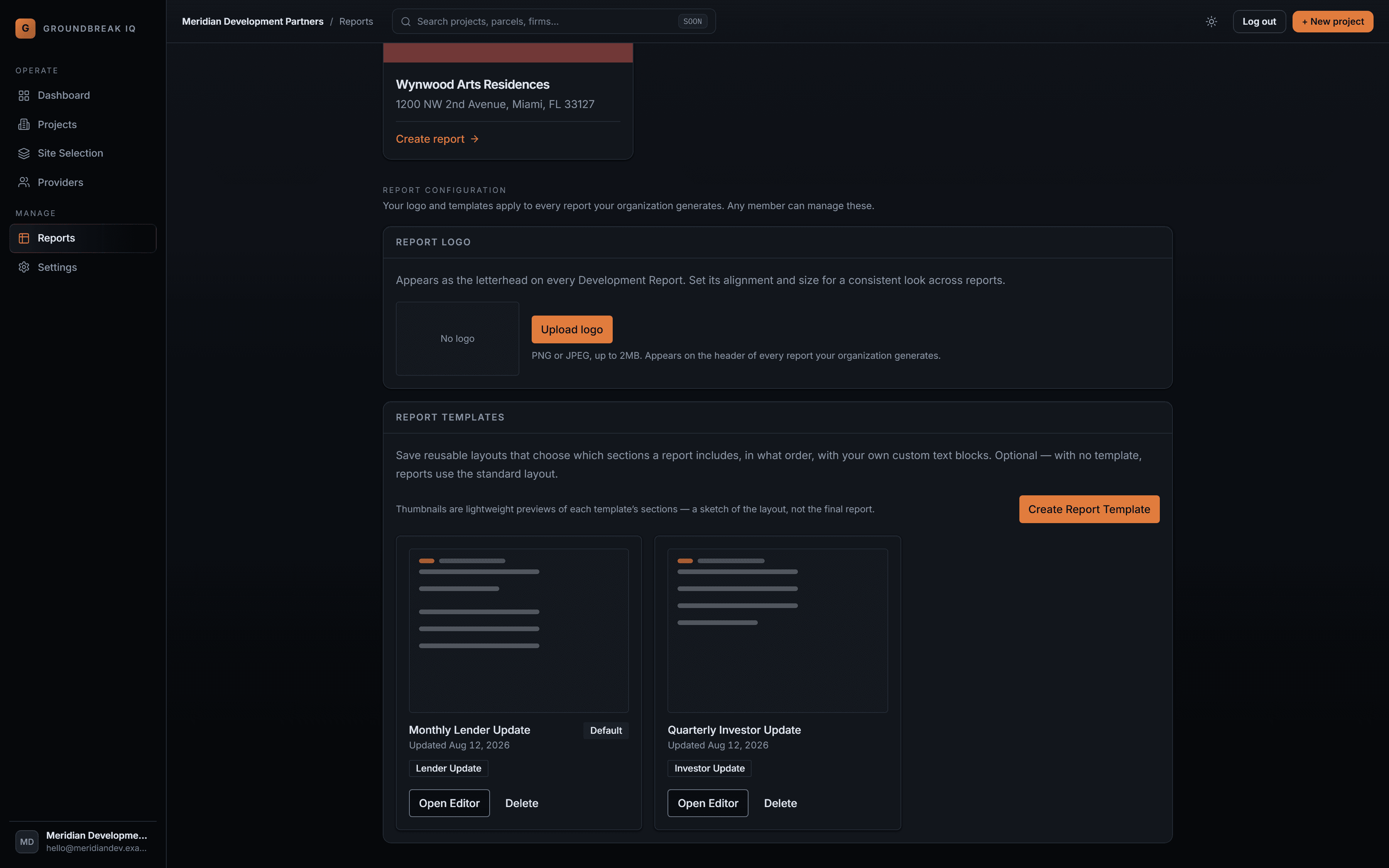
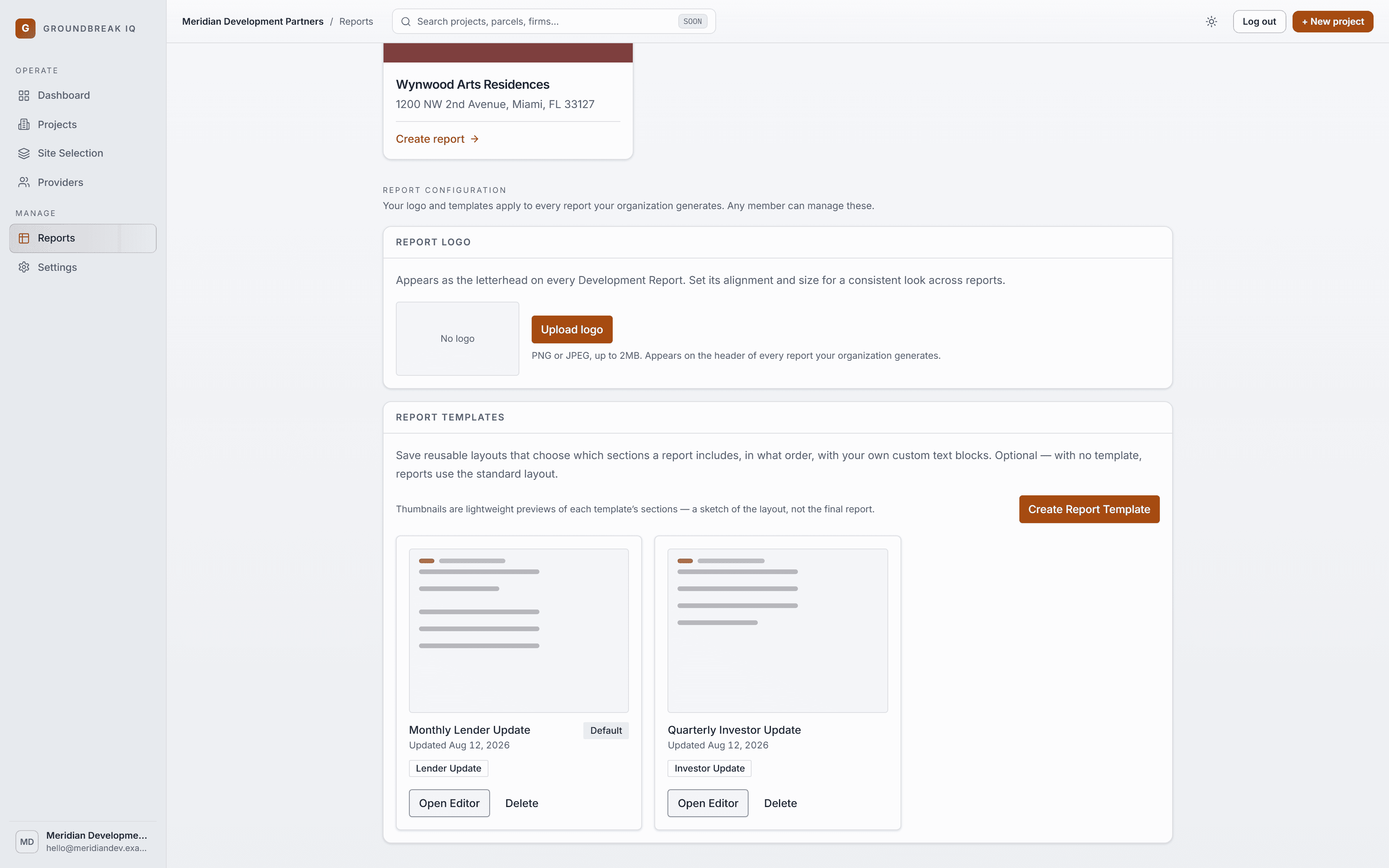
Saved layouts that decide which sections a report includes and in what order, with your own text blocks between them. One is the organisation default.
Send the update without rebuilding it.
Five sections assembled from the project itself, in the order you choose, as a PDF generated the moment you ask.